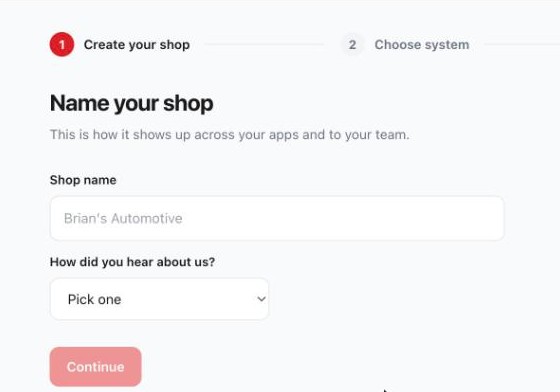
Name your shop
This is how it shows up across your apps and to your team. Type your shop's name, tell us how you found us, and hit Continue.
Three steps · about two minutes
You already have an account. This is the one thing left between you and your tools working — telling us which system runs your shop, and pasting one API token. Here's the whole thing, start to finish.
This is how it shows up across your apps and to your team. Type your shop's name, tell us how you found us, and hit Continue.
Choose the system that runs your shop. Shopmonkey is ready today. Tekmetric and Mitchell are on the way.
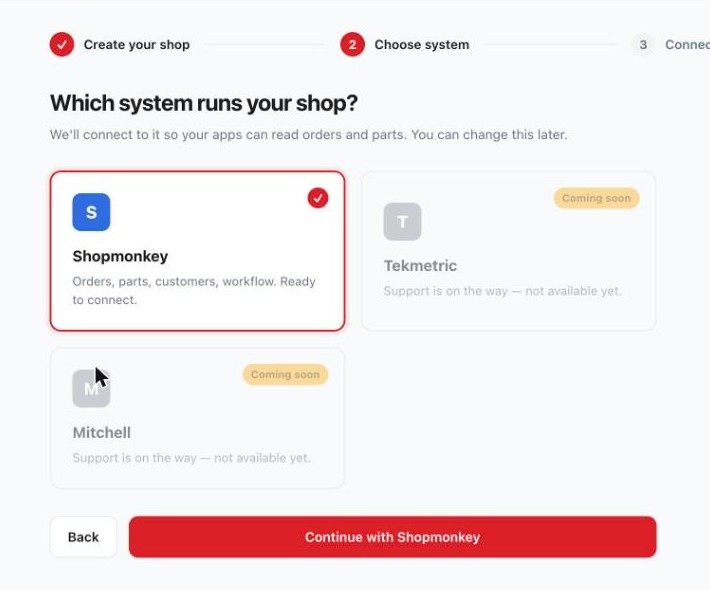
This is the step that trips people up. You need one API token from Shopmonkey. We store it encrypted in Vault, and your apps never see it.
Here's where to get it:
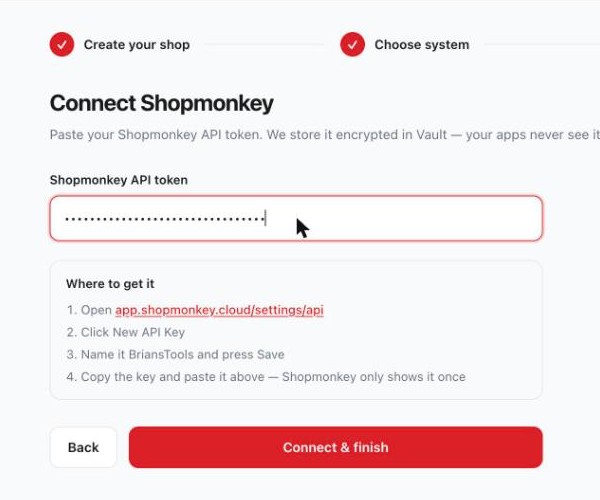

Then press Connect & finish. We check the connection right away — if the check fails, the screen tells you why. The usual fix is copying the key again from Shopmonkey, since it only shows the key once.
When the connection goes through, this is what you see — your tools, on and working for your shop.
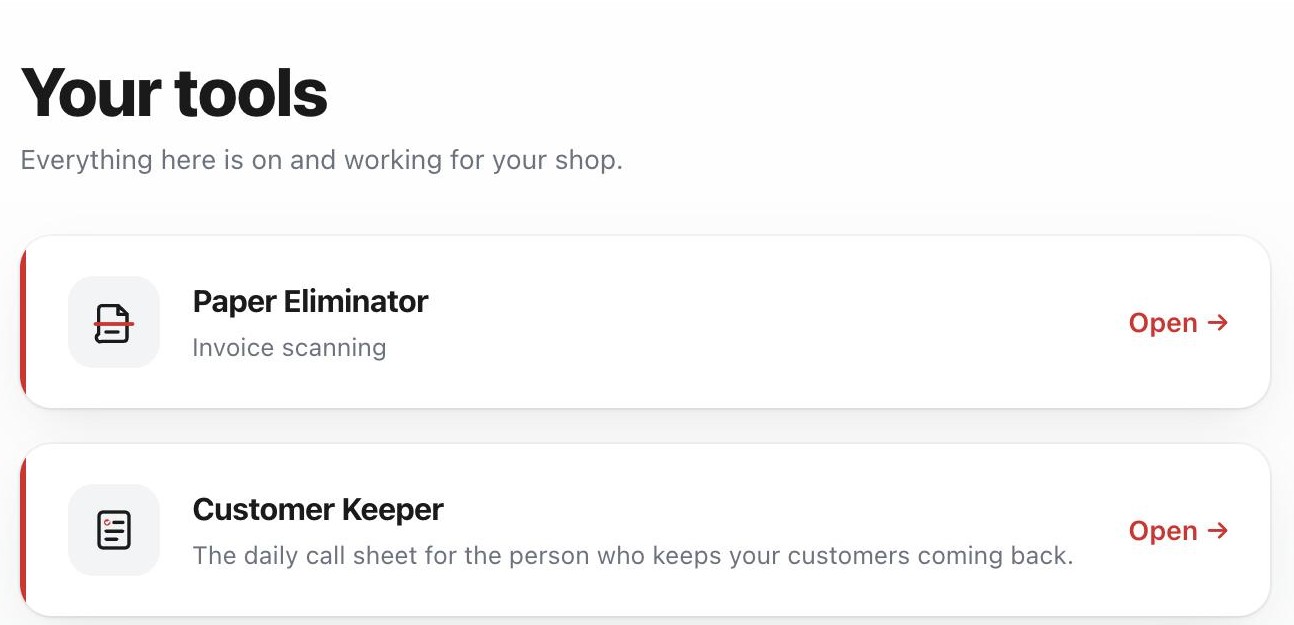 Open the hub and finish connecting →
 The questions we get about connecting.
In Shopmonkey, at app.shopmonkey.cloud/settings/api → New API Key. Name it BriansTools, Save, and copy it right away.
Shopmonkey only shows a key once. Make a new one the same way and paste it in again — the old one can be deleted in Shopmonkey.
We never see your Shopmonkey password. The API token is stored encrypted in Vault, and it's the only thing that connects the two.
Call (253) 881-1614. A real person answers, usually one of us at the counter.